Shipped - v1.0.3(B6)
Fixed
- an issue where clicking a board from the sidebar or dashboard would not navigate to the board view
- app appearance on macOS Tahoe
What's shipped, features planned, and what's potentially on the horizon.
Welcome to Kanodo! Your visual kanban task management companion for macOS.
We have the following requests short-listed for future releases. If you have ideas or suggestions on how to make Kanodo better for you and others, we'd love to hear from you! Drop us a message via email at feedback@kanodo.app.
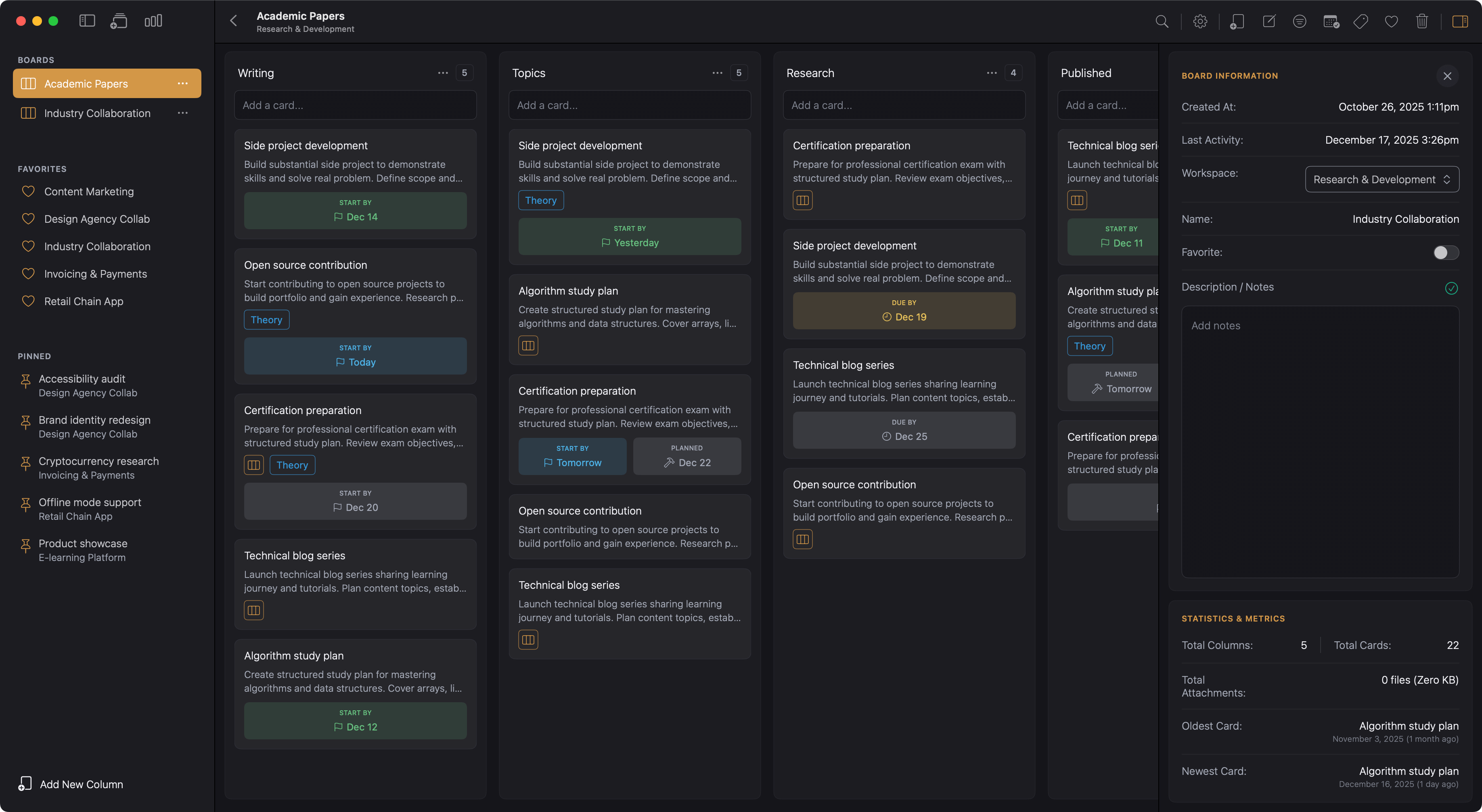
Workspaces, boards and cards with nested mini boards. Break down complex tasks and see the big picture.

We've got you covered. Quick answers to help you get started.
Kanodo is a visual project management tool that uses the kanban methodology to help you organise tasks, track progress and manage projects.
Cards move through columns representing workflow stages, giving you a clear view of where everything stands. It runs natively on your Mac, providing a fast, responsive experience with your data stored locally.
Kanodo is designed exclusively for macOS. It requires 14.6+ (Sonoma) or later and runs on both Apple Silicon and Intel Macs.
Built as a native Mac app optimized for performance, it launches instantly, uses minimal resources, and integrates seamlessly with native macOS features.
There are currently no iOS, iPadOS or Windows versions available.
Kanodo offers a basic version with full access to all features but with generous limits on how many items you can create. This allows you to fully evaluate the app before deciding to upgrade
The Pro version removes all limitations for an affordable one time purchase of £29.99. Yours to keep forever with continual updates and access to all new future features.
Mini boards let you create a nested kanban board inside a card. When a task has multiple steps, you can track them as mini cards without cluttering your main board.
Mini cards can have their own content, completion status, checklists and labels. This is perfect for complex tasks that need breaking down.
Cards support three date types: earliest start date, planned start date and due date. Dates appear as badges on cards and can show warning colours when deadlines approach.
You can configure how many days before a due date the warning appears or you can decide to disable dates altogether.
Your data remains private and never leaves your computer unless you choose to enable iCloud storage for attachments.
The app stores everything locally using Core Data, giving you full control over your information. There are no accounts, no cloud services required and no tracking.
No. Kanodo does not require any account or sign up. Simply download the app from the Mac App Store and start using it immediately.
Your data and file attachments are stored locally on your Mac (unless icloud is enabled). You have complete ownership of everything you create within the Kanodo App.
Yes. Cards open in their own windows rather than modals. This means you can have multiple card windows open at the same time, even from different boards or workspaces.
Compare tasks side by side, reference one card while working on another, or keep important cards visible while you navigate your boards. Arrange windows however suits your workflow.
Have a question not answered here? Try our other help sections below.
More apps from the maker of Kanodo. Focused tools without the bloat

Upload invoices and photos, AI reads the details. No manual typing, no spreadsheets, just intelligent extraction
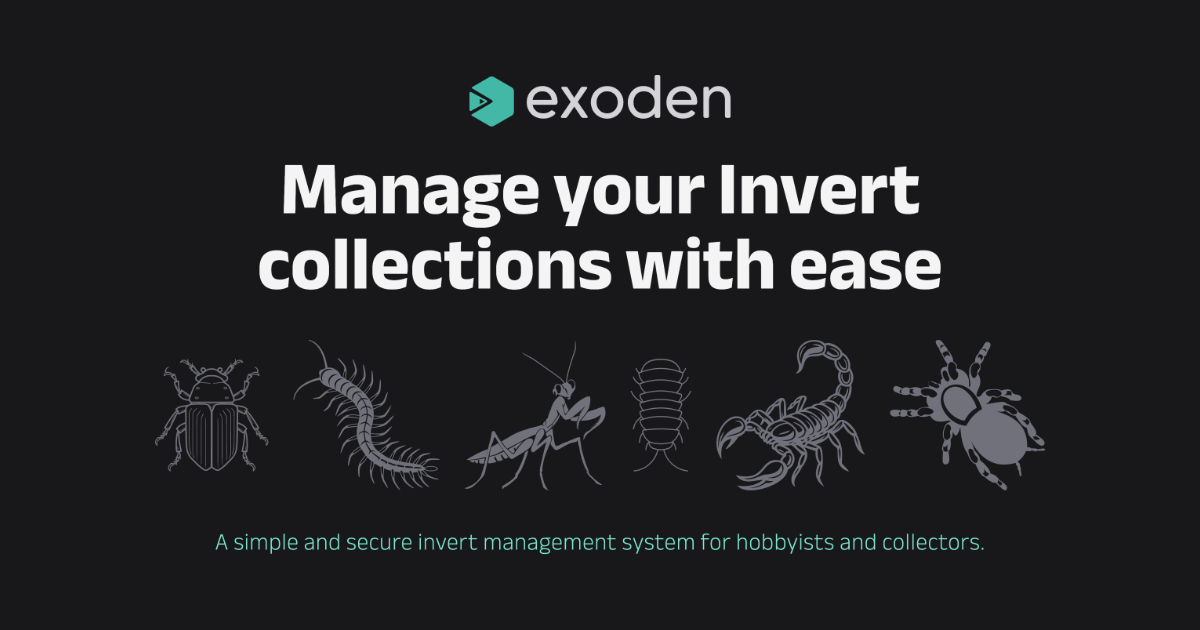
Manage your Invert collections with ease. A simple and secure invert management system for hobbyists and collectors.
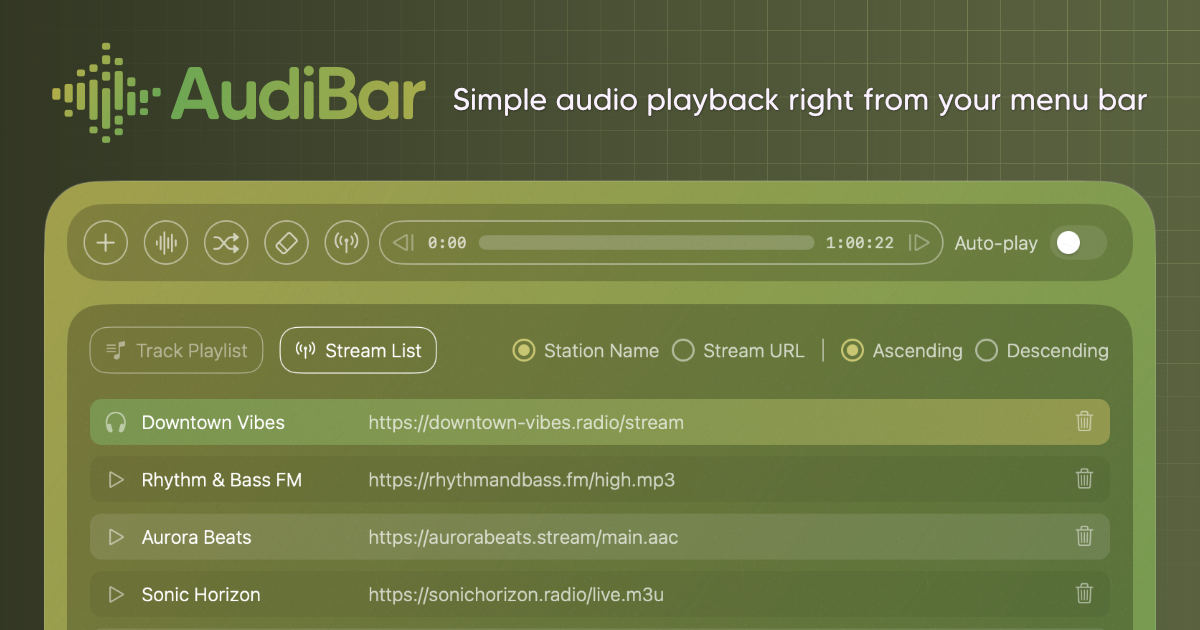
Play audio files & live streams directly from your menu bar, keeping your desktop clean with playlists when needed.
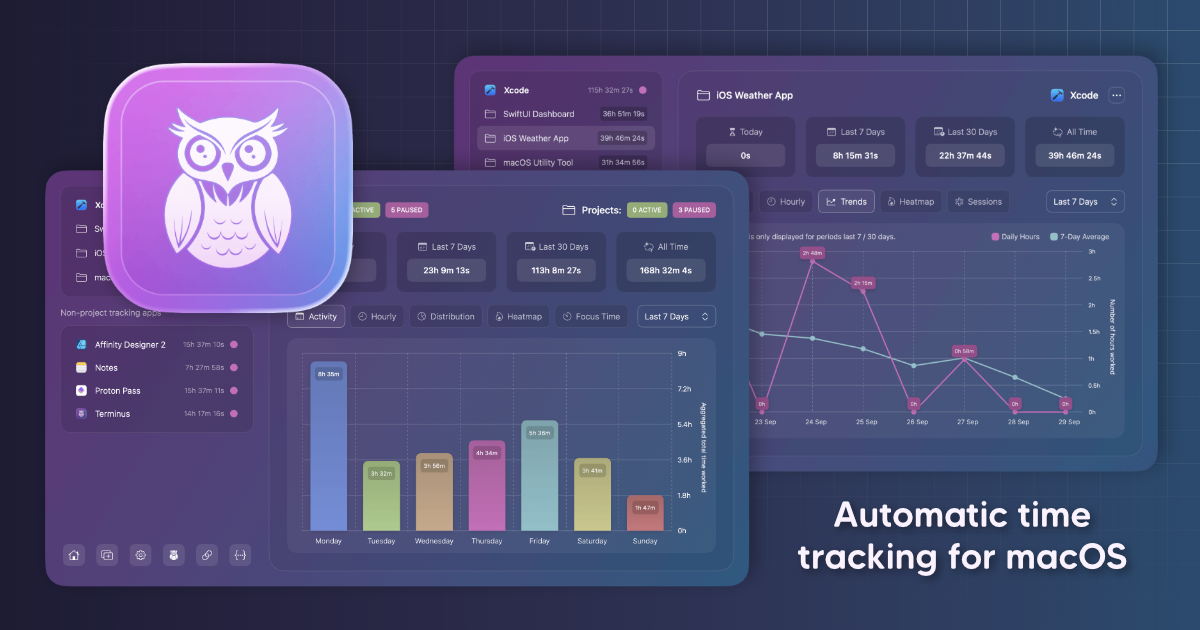
Track your time by app or project automatically. No timers, no buttons, just open any app and work as normal.
Upload invoices and photos, AI reads the details. No manual typing, no spreadsheets, just intelligent extraction
Manage your Invert collections with ease. A simple and secure invert management system for hobbyists and collectors.
Track your time by app or project automatically. No timers, no buttons, just open any app and work as normal.
Play audio files & live streams directly from your menu bar, keeping your desktop clean with playlists when needed.